
Learn visTable®
Tutorials
Find step-by-step tutorials, practical use cases, and comprehensive documentation to help you get started with visTable® and make the most of it in your daily factory planning.

visTable® Video-Tutorials
Get to know visTable® step-by-step – from the basics to specific functions and planning tasks.
Video Playlist
- Sign In to your account
- Task Menu
- Creating a New Layout
- Model Library
- Navigation 2D
- Navigation 3D
- Object Selection
- Object Properties
- Snapping
- Using Layer
- Block Layout Objects
- Area Balance
- Importing 3D Objects
- Importing CAD Floor Plans
- Align Function
- Group Function
- Safety Clearances
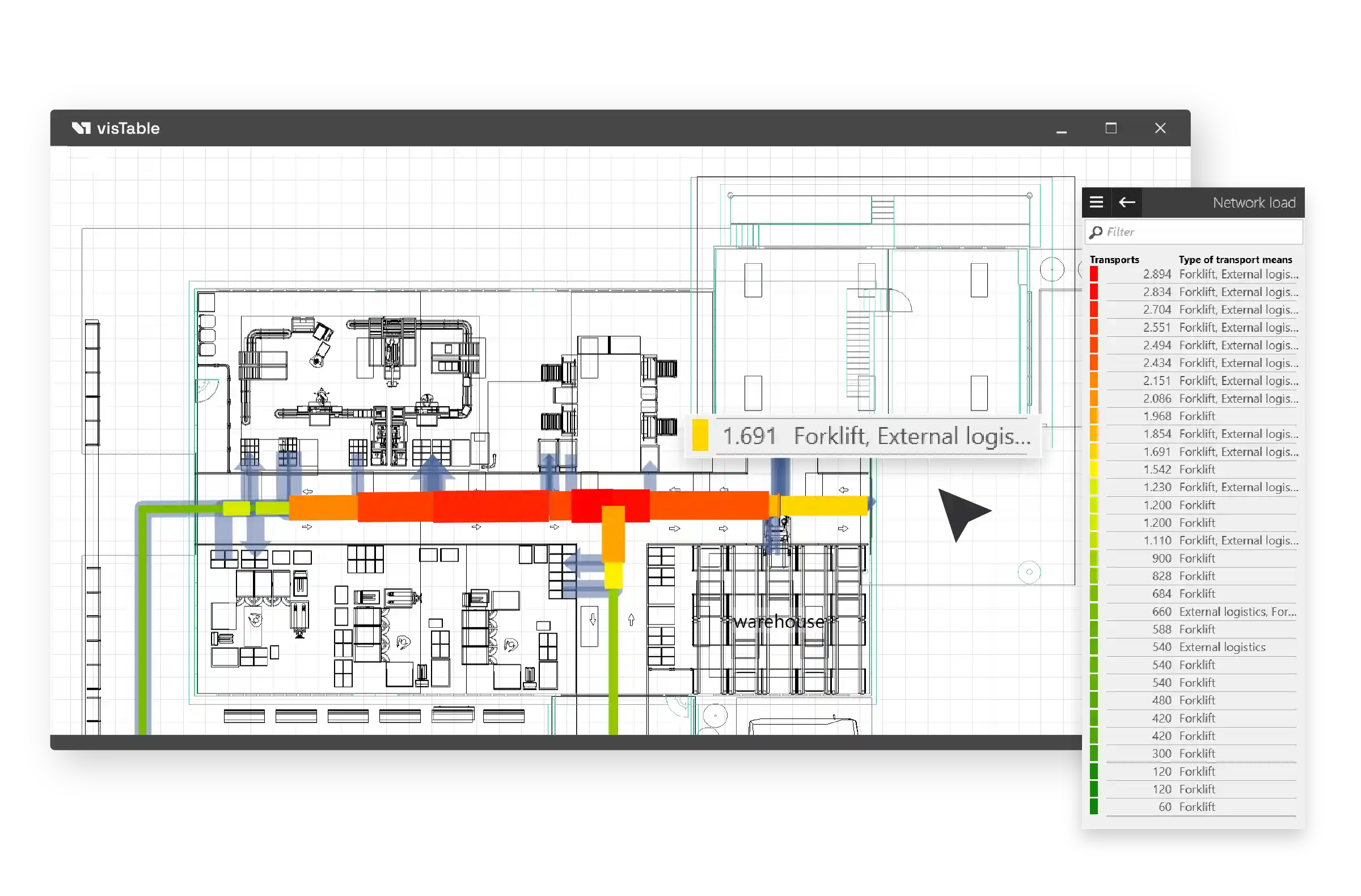
- Material Flow Management
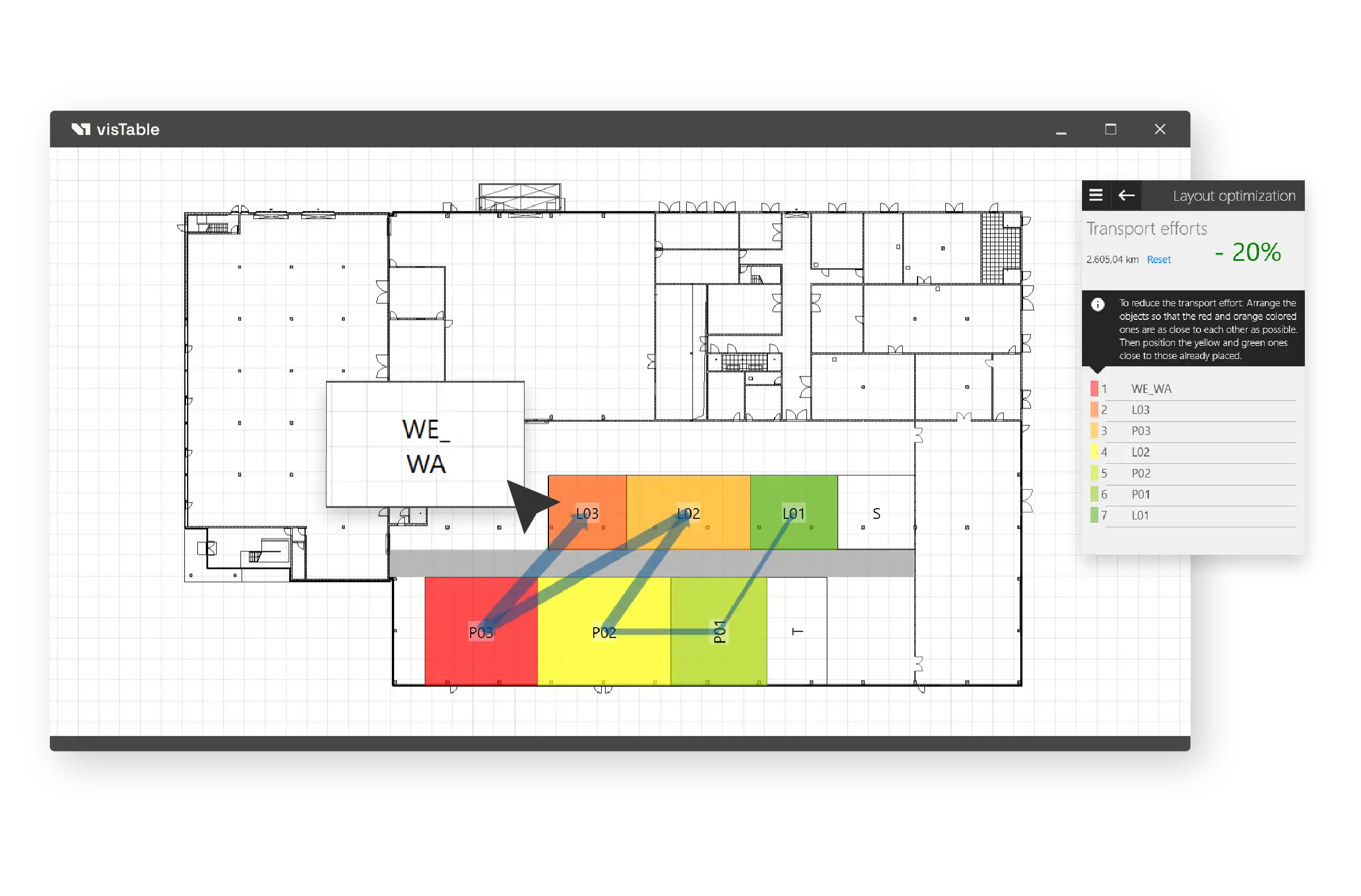
- Layout Optimization
- Create Transport Networks
- Evaluate Logistics
- Network Load
- Distance-Intensity-Chart
- Creating Dimensions
- Print your Layout
Tutorials for Common Factory Planning Tasks
Practical video tutorials show proven methods and workflows for common digital factory planning tasks.



Online Documentation
visTable® Online Help
The visTable® online help provides detailed and practical documentation of all software functions, workflows, and fundamentals.
Detailed descriptions, overview graphics, and introductory videos support both beginners and experienced users in their daily project work.

Quick Access to the visTable® Online Help
What does the visTable® Academy contain?
The visTable® Academy bundles tutorials, use cases, training programs, documentation, and support related to modern factory planning with visTable®.
Which content is suitable for beginners?
For an introduction, we recommend the video tutorials, the fundamental chapters of the online help, and the visTable® basic training.
Are there tutorials for specific planning tasks?
Yes. The use cases demonstrate typical tasks in factory planning – for example, layout planning, material flow analysis, or variant comparison.
Can training sessions be customized?
Yes. Training content and key focus areas can be coordinated jointly and supplemented with your own specific project requirements.
Do training sessions take place online or on-site?
Training sessions can be conducted both online and on-site.
Where can I find the technical documentation for visTable®?
The visTable® online help provides detailed and practical documentation of the functions, fundamentals, and workflows of the various visTable® components.
How do I get support for specific questions?
In addition to tutorials and documentation, training offers as well as the visTable® team provide support for functional and technical inquiries.