
Tutorials, use cases, training programs, and support for practical work with visTable®.
Akademy
The visTable® Academy supports you in getting started and in your daily work with visTABLE® – with tutorials, use cases, training programs, and technical assistance for all aspects of modern factory planning.

visTable® Video-Tutorials
Get to know visTable® step-by-step – from the basics to specific functions and planning tasks.
Video Playlist
- Sign In to your account
- Task Menu
- Creating a New Layout
- Model Library
- Navigation 2D
- Navigation 3D
- Object Selection
- Object Properties
- Snapping
- Using Layer
- Block Layout Objects
- Area Balance
- Importing 3D Objects
- Importing CAD Floor Plans
- Align Function
- Group Function
- Safety Clearances
- Material Flow Management
- Layout Optimization
- Create Transport Networks
- Evaluate Logistics
- Network Load
- Distance-Intensity-Chart
- Creating Dimensions
- Print your Layout
Use cases with visTable®
The use cases convey typical approaches, methods, and solutions for real-world planning tasks with visTable®.

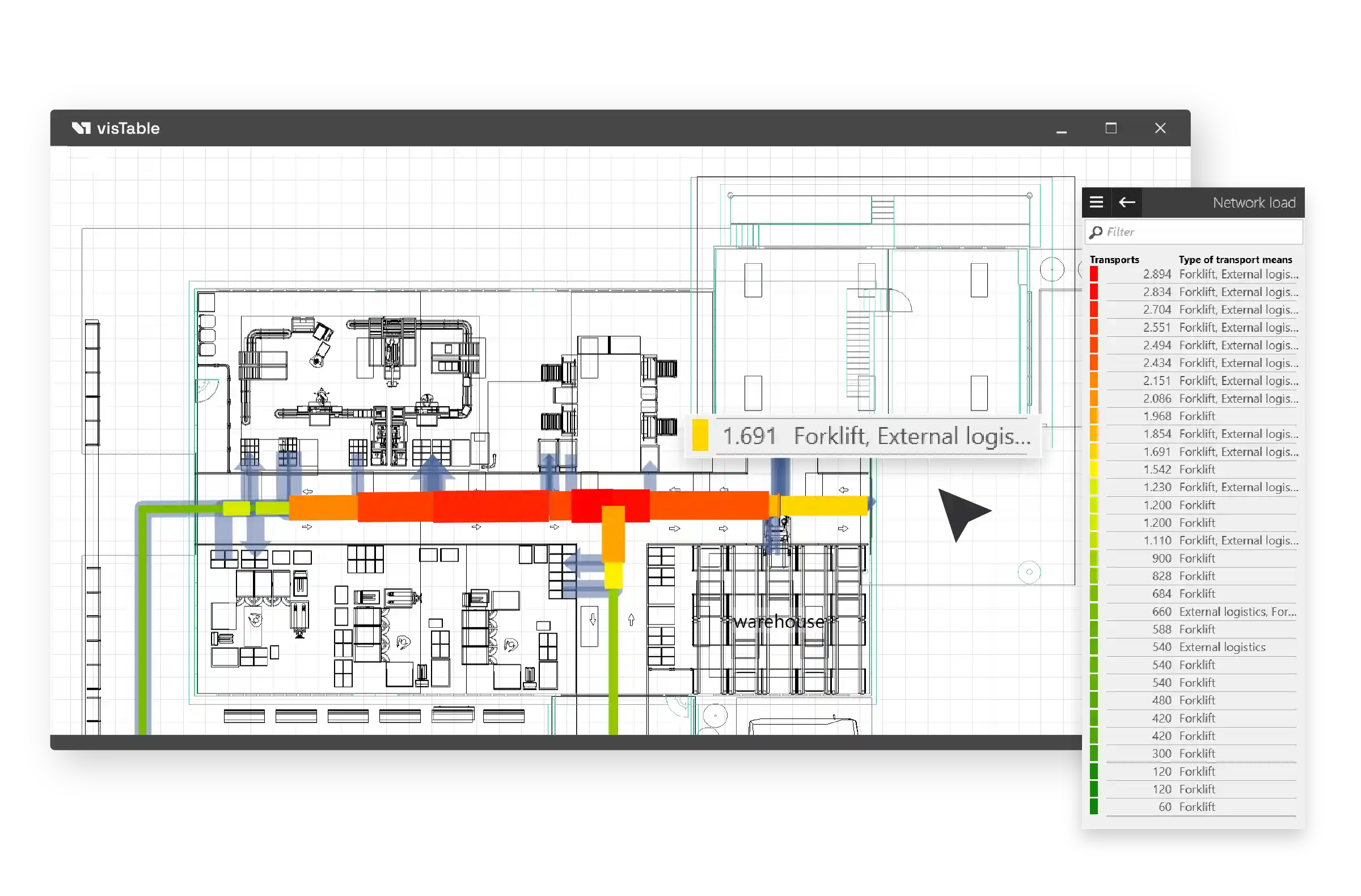
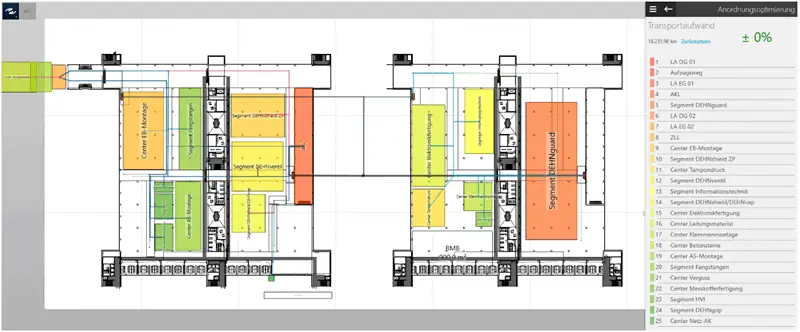


Start planning with visTable®
visTable® Online Help
The visTable® online help provides detailed and practical documentation of all software functions, workflows, and fundamentals.
Detailed descriptions, overview graphics, and introductory videos support both beginners and experienced users in their daily project work.

Optionen
visTable® touch basics
Introduction to the fundamentals of layout, structural, and factory planning with visTable® touch.
visTable® logix basics
Introduction to material flow analysis and logistical relationships with visTable® logix.
visTable® 3D view basics
Introduction to the fundamentals of visualization, navigation, and analysis within the three-dimensional factory model.
visTable® ObjectManager basics
Assistance with organizing the visTable® model library and importing 2D and 3D datasets.
visTable® Training Packages
Our training sessions can be conducted online or on-site and combine practical tutorials with concrete use cases from factory planning.
Content and key focus areas are coordinated jointly – ranging from structural planning with block layouts and production and assembly planning to material flow optimization.
Training modules can be combined flexibly and supplemented with individual questions from your own projects.


visTable® for students and universities
visTable® is used worldwide in studies, teaching, and research. Our programs support students and universities in accessing modern factory planning
- 2000+students use visTable® for their term papers and final theses
- 100+ universities and colleges use visTable® in their curricula
What does the visTable® Academy contain?
The visTable® Academy bundles tutorials, use cases, training programs, documentation, and support related to modern factory planning with visTABLE®.
Which content is suitable for beginners?
For an introduction, we recommend the video tutorials, the fundamental chapters of the online help, and the visTable® basic training.
Are there tutorials for specific planning tasks?
Yes. The use cases demonstrate typical tasks in factory planning – for example, layout planning, material flow analysis, or variant comparison.
Can training sessions be customized?
Yes. Training content and key focus areas can be coordinated jointly and supplemented with your own specific project requirements.
Do training sessions take place online or on-site?
Training sessions can be conducted both online and on-site.
Where can I find the technical documentation for visTable®?
The visTable® online help provides detailed and practical documentation of the functions, fundamentals, and workflows of the various visTable® components.
How do I get support for specific questions?
In addition to tutorials and documentation, training offers as well as the visTable® team provide support for functional and technical inquiries.